How to add a server icon/logo?
General Information
If you have your own Minecraft server and would like to upload your own icon, you’ve come to the right guide.
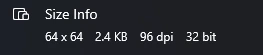
For this, you will need an image with a 1:1 ratio and a size of 64x64 pixels.
The picture must be named server-icon.png
I have a larger image, how can I scale it?
If you have an image larger than 64x64, you can easily scale it using this online tool - https://mcutils.com/server-icon-converter
- Click
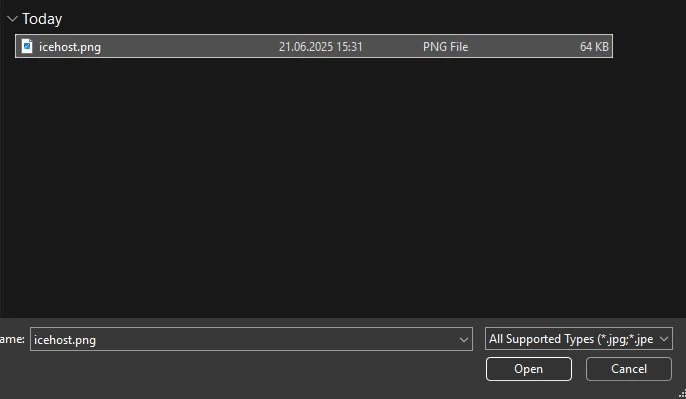
Choose File, select the image you want to have on your server, and double-click it, or clickOpenin the bottom right corner.
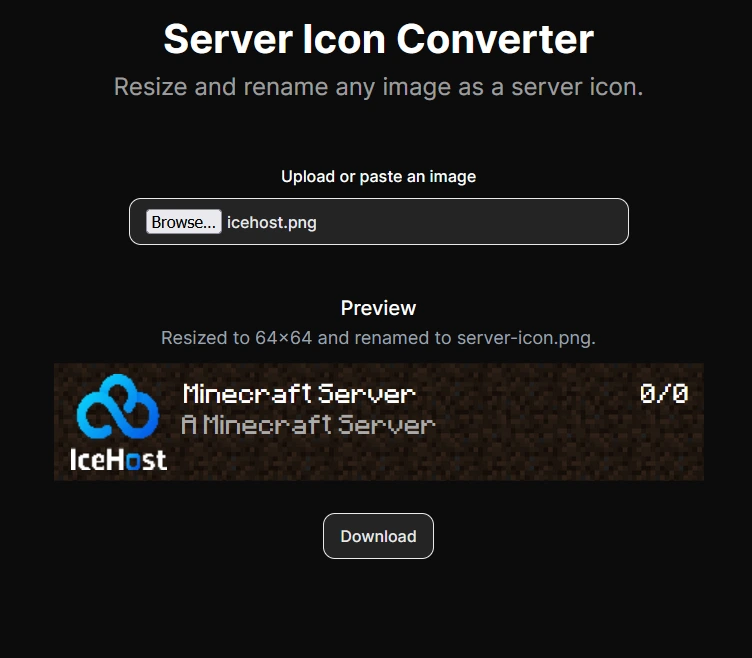
- The site should automatically convert the icon to 64x64 and rename your server icon to server-icon.png.
- The only thing left is to click
Downloadto save the file to your computer and move on to the next step of adding the icon.
Adding the icon to the server
- Go to the Files tab in your server management panel.
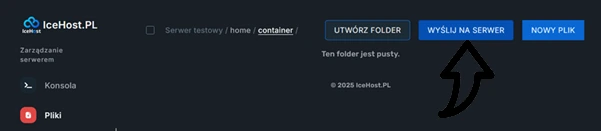
- Click the
Send on serverbutton (located in the top right corner).
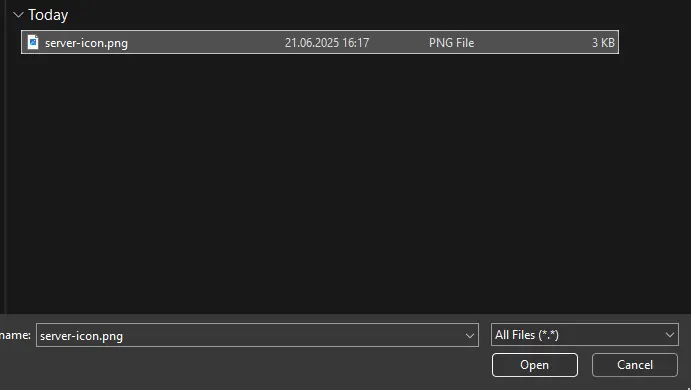
- Find the folder where your Minecraft icon was saved, select it, and double-click to upload (file named server-icon.png). Wait a moment until the file uploads.
- Go to the
Consoletab, then click START to launch the server.
The icon has been uploaded to the server! You can now enjoy a more recognizable server on the Minecraft server list!